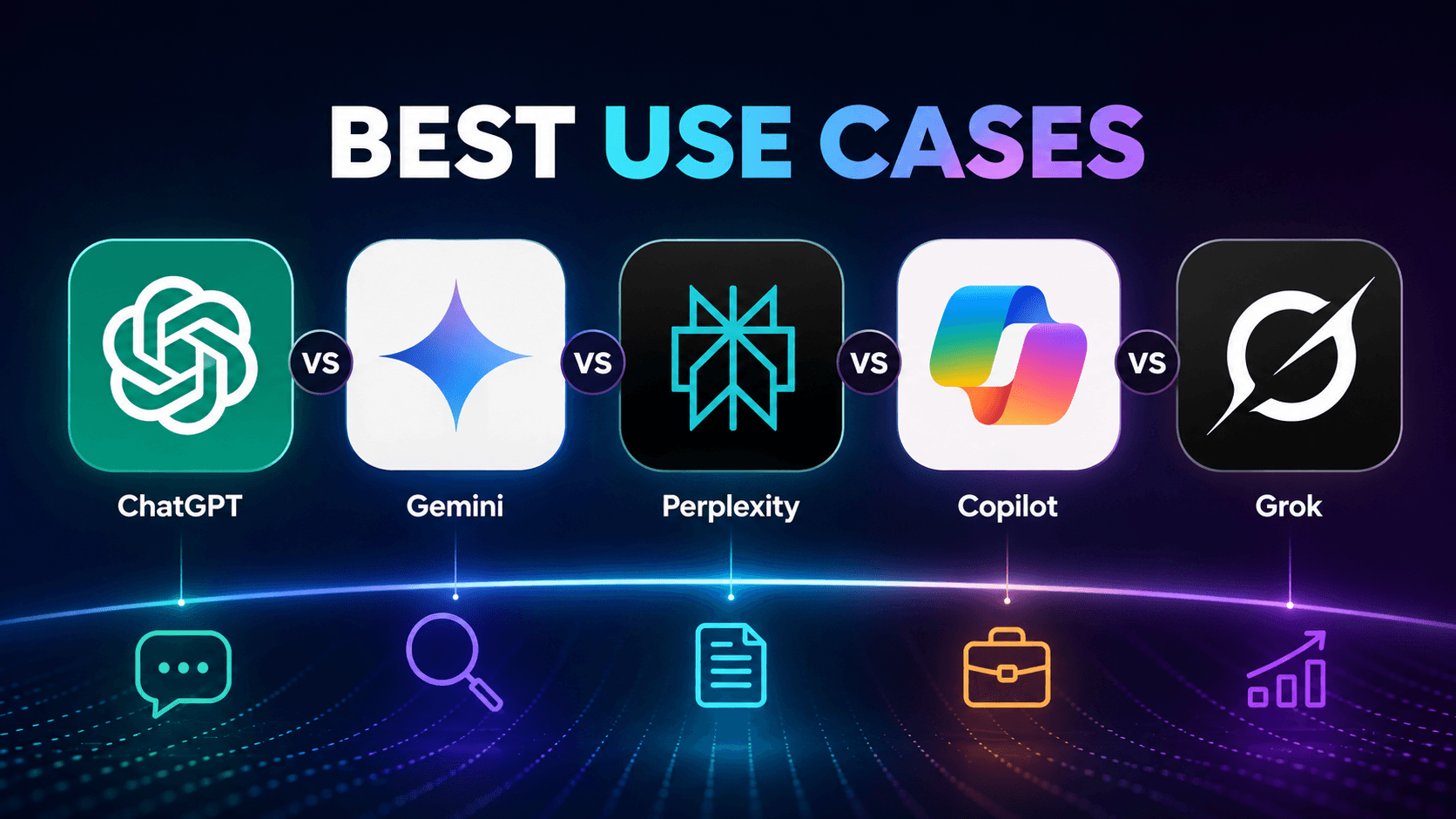
Introduction
AI assistants have now become a part of daily professional activities. They can help you with writing content, researching topics, generating code, analyzing texts, summarizing information, and even automating repetitive tasks.
However, it is not the popularity of an AI assistant that defines the choice. ChatGPT is the most popular tool for all kinds of digital tasks. Today, there are many ChatGPT alternatives available. Each application has its own set of advantages. Some applications are good for creating content, while others are for deep research, coding, and other specialized tasks.
That is the reason why many organizations and individuals are asking the question: “What is the best AI assistant for me?”
The answer depends on your use case.
This AI chatbot comparison can help you find the right platform instead of buying something you may never use.
Why AI Assistants Are Becoming More Specialized
AI tools have evolved quickly over the last few years.
Previous chatbots could only respond to questions and generate text. Today’s AI systems do much more than that. These systems can help you with documents, image generation, browsing the web, creating article summaries, coding, and even performing daily business-related activities.
Due to the increased AI capabilities, these platforms now focus on particular functions rather than versatility.
For instance,
- Writers and marketers need an AI assistant to create content and generate ideas.
- Developers depend on AI solutions to generate, describe, and debug code.
- Researchers need platforms that give accurate data with references.
- Students usually need an assistant that combines learning support with document analysis.
This is why the conversation has shifted from finding the "best AI chatbot" to finding the best AI assistant for a specific use case. IT companies providing chatbot development services use advanced AI models to create customized solutions that address specific business challenges.
Let's see how each platform performs best in this brief AI chatbot comparison.
ChatGPT - Best for Content Creation, Ideation, Coding, Document Analysis
ChatGPT is a versatile generative AI assistant.
It helps users with various personal and professional activities. Whether it is writing content, brainstorming, analyzing documents, explaining a complex topic, or coding, it can help you perform all these activities faster.
Best Use Cases for ChatGPT
Content Writing
ChatGPT is popularly used as an AI writing assistant. It produces well-structured content.
he most common uses are
- Blogging
- Website content creation
- Copywriting
- Product description
- Content creation for social media
- Business documentation
Planning and Brainstorming
Most people use ChatGPT to refine their ideas before beginning any project.
It can assist you in
- Content planning
- Campaign ideas
- Business strategies
- Product names
- Meeting agendas
- Presentation outlines
Instead of replacing creativity, it makes the process faster.
Coding Support
Developers also utilize ChatGPT as an AI assistant.
Some of the capabilities are
- Coding
- Explaining programming concepts
- Error detection
- Improvement suggestions
- Convert code between languages
Document Analysis
ChatGPT can process documents uploaded by users such as PDFs, spreadsheets, presentations, and reports. Instead of reading through huge files, users can question, summarize, and find important details in just a few minutes.
It can save a lot of time while doing research and other business processes.
Business Automation
Businesses use ChatGPT through API integrations to automate customer support, internal knowledge, and other repeatable tasks.
This is one of the reasons businesses investing in chatbot development services often prefer ChatGPT as the core of their solutions.
Where ChatGPT performs best
ChatGPT is an excellent choice if your daily work involves multiple tasks instead of a single specialized activity.
It is especially best for
- Content Creators
- Marketing Teams
- Developers
- Business professionals
- Students
- Customer support teams
Although it excels in many aspects, it is always important to check crucial facts before applying any information to legal, financial, or medical situations.
The biggest strength of ChatGPT is its versatility. There is no need to switch between various tools since most tasks can be done from one platform.
Comparing ChatGPT vs Gemini would help you choose the best all-in-one AI assistant for your business needs.
Google Gemini - Ideal for Google Workspace Users
Gemini by Google was built for people who use Google products.
Gemini does not only work as an individual chatbot. It also works within Google products such as Gmail, Docs, Sheets, Drive, Search, and Android. You can perform various tasks without having to change apps.
For instance, if you do all your work using Google Workspace, then Gemini could help you become more productive.
Best Use Cases for Google Gemini
Managing Emails and Documents
Gemini makes routine office work faster.
It can help you
- Summarize long email conversations
- Draft professional emails
- Create business documents
- Generate presentation content
- Organize meeting notes
Instead of starting from scratch, users can create first drafts within seconds.
Working with Google Workspace
One of the most significant benefits Gemini offers is its integration with Google productivity tools.
Users can analyze spreadsheets, edit documents, prepare presentations, and manage information in a single Workspace environment.
This makes the process easier for organizations already using Google cloud computing services.
Researching Up-to-date Information
Another strong point of Gemini is that it excels when the user needs recent information.
It has real-time web access. Therefore, it can access up-to-date news, industry-related data, new product launches, and other evolving information better than purely knowledge-based AI systems.
Understanding Images and Documents
Gemini supports multimodal AI, allowing users to work with more than just text.
It can understand
- Images
- Charts
- Screenshots
- PDFs
- Handwritten notes
Users can upload visual content and ask questions about it, making document analysis much easier.
Where Google Gemini performs best
Gemini is a strong choice for professionals who use Google products.
This solution works best for
- Google Workspace users
- Researchers
- Business professionals
- Students
- Teams working on cloud-based documents
Gemini fits seamlessly into the Google ecosystem. Instead of being yet another tool to learn, Gemini integrates with your current processes.
While Google Gemini enhances productivity and real-time information, the Perplexity AI search engine is a good choice for deep search with citations.
Perplexity - Best for Research and Fact-Based Information
Perplexity has recently become a popular option for users valuing accuracy over creativity in AI communication.
In contrast to other AI-based chatbots, it is an integration of conversational AI with a search engine. It provides answers along with citations. It allows users to check the sources.
Thus, it is a reliable tool for research activities.
Best Use Cases for Perplexity
Academic and Professional Research
Perplexity is designed to help people conduct research faster and in an easier way.
Instead of browsing different sites and finding information, users can get a summary answer and information sources at once.
The cases include
- Academic research
- Industry reports
- Market analysis
- Competitive research
- Technical documentation
- Finding Current Information
Perplexity includes real-time web search. It becomes useful for topics that change frequently.
You can use it to research
- Industry trends
- Government regulations
- Product launches
- Market updates
- Recent news
The information is collected from live sources. It enables users to have more up-to-date information.
Verifying Information
When you are considering accuracy, source references are useful to verify AI responses.
Instead of trusting the AI-provided answers without checking the sources, users have the chance to go back and check the information in its original form.
It is helpful for researchers, analysts, journalists, and business professionals.
Where Perplexity Performs Best
Perplexity is perfect for people who need accurate information rather than creativity.
Perplexity is best for
- Researchers
- Students
- Business analysts
- Journalists
- Consultants
If accurate information is what you need, then there are few AI assistants better than Perplexity.
Microsoft Copilot boosts AI productivity in workspaces and for individuals by bringing assistance into Microsoft 365 applications.
Microsoft Copilot - Best for Microsoft 365 Productivity
Microsoft Copilot is designed to improve productivity inside the Microsoft ecosystem.
It is integrated with Word, Excel, Outlook, and PowerPoint, which are part of the Microsoft 365 Suite.
Users can get their work done without switching from one program to another.
Best Use Cases for Microsoft Copilot
Document Creation
Copilot assists users in creating documents quickly.
It can
- Draft reports
- Rewrite documents
- Summarize long documents
- Take meeting notes
- Enhance business communication
This eliminates the need for spending unnecessary time on typing.
Spreadsheet Analysis
Working with large datasets can be time-consuming.
Copilot can help users
- Analyze spreadsheets
- Identify trends
- Create formulas
- Summarize the data
- Generate charts and insights
This makes Excel easier to use, even for non-technical users.
Meeting and Email Management
Managers in business organizations take considerable time organizing meetings and emails.
Copilot helps managers accomplish tasks by
- Summarizing Teams meetings
- Writing email responses
- Identifying action items
- Organizing conversations
Team members can concentrate on decision-making rather than administrative processes.
Coding with GitHub Copilot
For developers, GitHub Copilot has become one of the most widely used AI coding assistants.
It assists users by
- Suggesting code
- Completing functions
- Explaining existing code
- Detecting possible errors
- Improving development speed
Developers can work directly inside their preferred coding environment without changing their workflow.
Where Microsoft Copilot performs best
For enterprises that are using Microsoft 365, Microsoft Copilot is one of the best options out there.
This tool will be useful to
- Corporate professionals
- Financial experts
- Project managers
- Business analysts
- Developers using GitHub Copilot
The main advantage of using Microsoft Copilot is that it enhances productivity. This is because the AI is embedded within the existing Microsoft ecosystem, which allows users to complete tasks quickly.
Unlike many AI assistants, Grok AI combines large language model (LLM) with real-time access to the discussions on X. It enables easy social media monitoring.
Grok - Ideal For Social Media Analysis and Conversations
Unlike other AI assistants, Grok follows a different strategy altogether.
It was developed by xAI and is strongly integrated with X (formerly Twitter). Grok is created to analyze real-time communication and trending topics.
This makes it highly beneficial to those working in constantly changing online communities.
Best Use Cases for Grok
Social Media Monitoring
Grok enables users to understand what people are discussing on the internet.
This can be useful for
- Brand monitoring
- Trend analysis
- Public opinion research
- Social listening
- Viral topic monitoring
This tool is useful for marketing teams and social media managers.
Content Planning
Since Grok has access to current discussions, the content team can find trending topics before creating their content.
It helps businesses make relevant posts.
Following Breaking News
People who want to know about current events can seek instant assistance from Grok.
Rather than checking different sites, they can simply ask their questions and get responses.
Where Grok performs best
Grok is best suited for users who regularly work with live online conversations.
This will be a great choice for
- Social media managers
- Content creators
- Digital marketers
- Brand managers
- Trend analysts
Modern chatbot services offer conversational AI, natural language processing, and workflow automation that target specific business challenges. Furthermore, built-in voice assistants help users complete their tasks faster.
Which AI Assistant Is Best for Different Use Cases
Each AI platform has been built with a different purpose. Instead of looking for one tool that does everything, choose the one that supports your daily work.
Go for ChatGPT if you need to
- Write blogs and marketing content
- Brainstorm ideas
- Analyze documents
- Generate code
- Manage multiple tasks from one platform
Go for Google Gemini if you need to
- Work inside Google Workspace
- Manage emails and documents
- Research current topics
- Analyze images and PDFs
Go for Perplexity if you need to
- Conduct detailed research
- Verify information with citations
- Study industry trends
- Access reliable sources quickly
Go for Microsoft Copilot if you need to
- Improve Microsoft 365 productivity
- Analyze spreadsheets
- Draft business documents
- Manage meetings and emails
- Get coding support through GitHub Copilot
Go for Grok if you need to
- Analyze social media trends
- Keep tabs on online discussion forums
- Monitor breaking news updates
- Study public discussion topics
The choice of the right AI assistant depends on how you prefer to work. Identifying your requirements will make it easier for you to choose an application that works for you.
Conclusion
There is no single AI assistant that is suitable for everyone. Different ChatGPT alternatives were created for solving different problems. The choice of a suitable one depends on your unique workflow.
For example, if you deal with content creation, brainstorming, document analysis, or multitasking, ChatGPT will be one of the most versatile options.
If you spend most of your time using Google Workspace, Gemini offers a connected and efficient experience.
If you are looking for reliable research with source-based information, then Perplexity can be the best option for you as a professional.
If your business is already using Microsoft 365, then Copilot helps increase your daily efficiency, whereas Grok is great for monitoring real-time conversations and social media trends.
The greatest AI assistant is the one that blends smoothly with your work process, saves your effort, and makes decision-making easier for you. A reputed IT company providing chatbot development services can help you create a solution that supports solving your specific business needs.