Overview
Artificial intelligence is no longer limited to just desktops and enterprise applications. Today, we experience AI integrated into smartphones. AI is assisting us in writing emails and generating images, editing videos, learning new skills, and organizing work data. AI-powered mobile applications are shaping the way users interact with technologies.
There are many rising AI apps for Android and iPhone available to both Android and iPhone users. User experience can differ depending on the operating system, device capabilities, and app availability.
In this blog, we will explore the best AI apps for iPhone and Android.
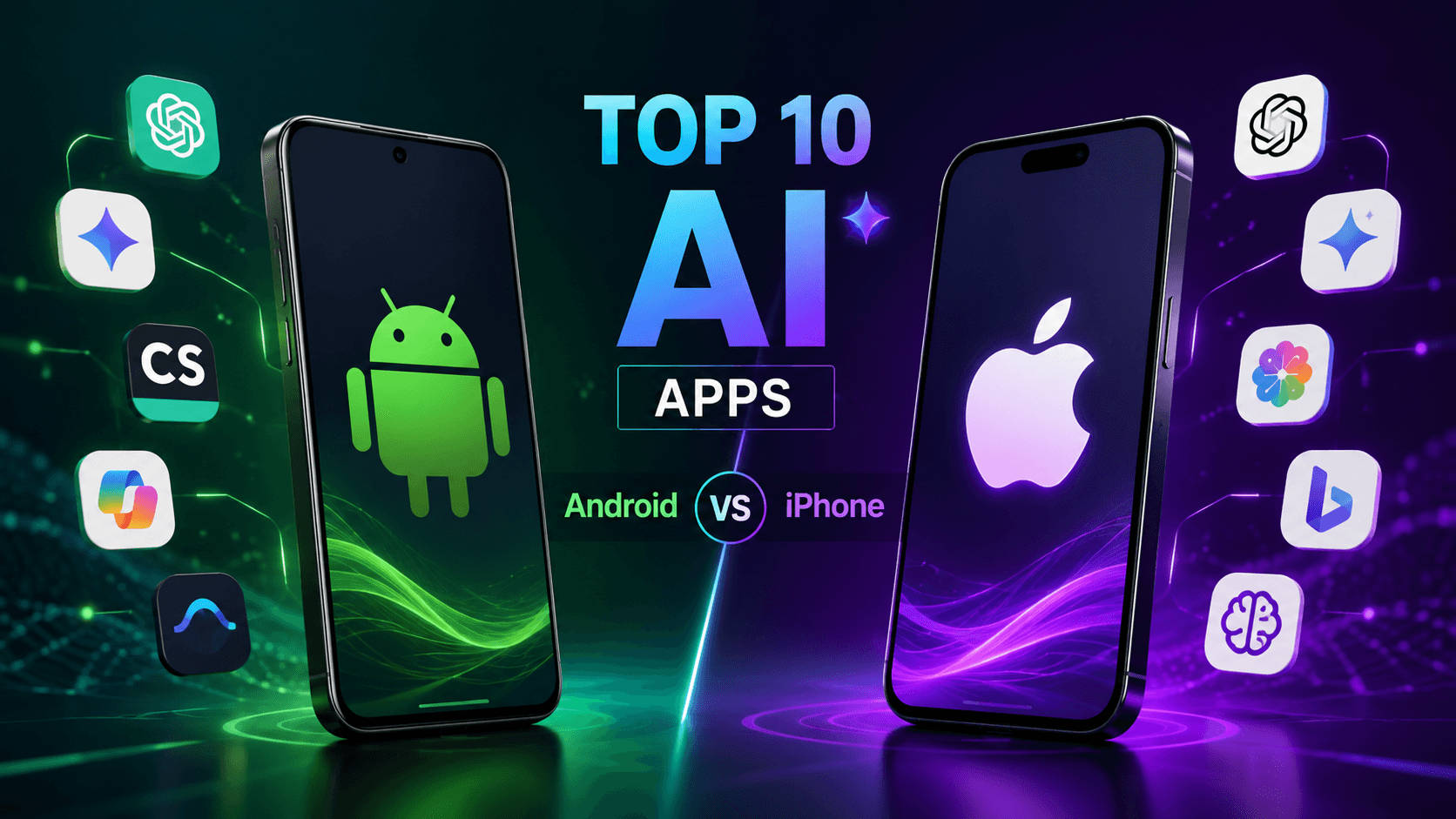
Top 10 Best Apps for Android vs iPhone
1. ChatGPT
ChatGPT is one of the best AI apps for Android and iPhone, used to increase efficiency, develop innovative ideas, and acquire knowledge. With the use of ChatGPT, users can receive responses, summaries, ideas, and generate content. It helps them perform a variety of routine tasks.
AI assistance has become possible with modern mobile applications. It allows interactions through text, voice, and images.
Android vs iPhone
ChatGPT is user-friendly for users of both Android and iPhone. The performance of ChatGPT depends on the device capabilities and operating system. Users of both Android and iPhone can use ChatGPT as a good AI assistant.
2. Google Gemini
Google Gemini is an AI assistant designed to support tasks such as answering questions, creating content, and enhancing productivity. The biggest advantage of Gemini is that it is connected with Google’s ecosystem.
Gemini can offer a convenient AI experience across mobile workflows for users utilizing Google products.
Android vs iPhone
The role of Google in Android operating system development and Google services gives Gemini a strong position in the Android world. Gemini is also available for iPhone users. The level of integration may differ across operating systems.
3. Microsoft Copilot
Microsoft Copilot gives AI assistance to enhance productivity and creativity. Copilot assists users in creating content, problem-solving, and performing other tasks related to work.
Copilot is a wonderful tool for professionals who are familiar with the products and services of Microsoft. It can become a useful extension of their existing workflow.
Android vs iPhone
Microsoft Copilot is available across major mobile platforms. It is a useful option for people who require switching between multiple operating systems.
4. Canva
Canva has recently integrated AI capabilities into its user interface that help users create designs, edit images, and simplify creative workflows. It is not necessary for the user to be a skilled designer to use Canva.
Canva is user-friendly irrespective of whether one uses its mobile app or the desktop version. Canva is especially helpful to social media designers, marketers, and small businesses.
Android vs iPhone
Canva offers an efficient user experience whether you are using Android or iOS devices. Canva allows one to create high-quality visual content through their smartphone.
5. Perplexity
Perplexity is an AI-powered search engine that helps users explore and research topics. It helps them find accurate information through conversation. Instead of researching for information traditionally, they can directly receive relevant information with AI-powered conversations.
Android vs iPhone
Perplexity provides a largely similar experience to other AI apps. It is useful especially for accurate research.
6. Adobe Firefly
Adobe Firefly focuses on AI-assisted creative work. Users can generate images and edit them using Adobe tools. It makes creative experiments easy and fast.
Adobe allows designers, marketers, and content creators to save time in creating ideas and digital content.
Android vs iPhone
The process may vary according to the operating system. Both Android and iPhone users can benefit from the AI features in Adobe software.
It is an excellent option for AI image creation.
7. Grammarly
Grammarly uses AI technology to help its users with grammar correction and polishing sentences.
It allows convenient writing from any location using a mobile device.
Android vs iPhone
Grammarly is accessible on both Android and iPhone smartphones. The integration might differ across platforms.
It is an excellent application for writing and communication.
8. Notion AI
Notion AI provides smart tools to take notes and manage information. Notion AI helps the user summarize, ideate, and manage knowledge bases.
Notion AI can help those who are managing projects, knowledge databases, or workspaces.
Android vs iPhones
Notion is available on both platforms. It enables users to perform activities irrespective of the operating system.
It is ideal for users who want to take notes, manage knowledge bases, and increase productivity.
9. Otter.ai
Otter.ai uses AI to record the conversation during a meeting. It helps users save important conversations without having to take any notes.
It is useful for people who frequently attend professional interviews and discussions.
Android vs iPhone
Otter.ai has made it easier for users to use its features while on the move.
10. Replika
Replika is an AI-powered application that allows users to have personal interactions with an AI friend. This is an example of AI where AI applications go beyond productivity and offer an interactive and personalized experience.
Android vs iPhone
Replika is available on various mobile operating systems. The app features may vary by subscription, region, and platform.
Android vs iPhone: Which Platform Is Better for AI Apps
When we compare AI apps for Android and iPhone, neither platform gets a universal advantage. The perfect choice depends on the ecosystem the user is working in and the purpose of using AI.
Android is known for its excellent support for Google services. It is most compatible with the AI features in the Android ecosystem. There are many devices available with various price ranges.
With the iPhone, users can enjoy the safety provided by Apple’s ecosystem for both hardware and software. The AI apps designed specifically for iOS ensure that the user can enjoy consistency with compatible Apple products.
Best AI apps for Android and Best AI apps for iPhone, such as ChatGPT, Canva, Grammarly, and Notion AI, available in the Android market, enable users to enjoy the services offered, irrespective of the smartphone choice.
Are There Free AI Apps for Android and iPhone?
Yes. Many free applications are available for Android and iPhone with certain basic features without any subscription. There can be some restrictions on their use and responses. Users who want to explore AI apps can learn through the free version about the application.
The Growing Opportunity for AI App Development
Increasing usage of AI-based technologies has created new possibilities for organizations.
Companies are now using AI-based technologies in areas like customer service applications, health care applications, e-commerce applications, educational apps, and enterprise software solutions.
A professional AI app development company can assist businesses in finding areas where AI can add value, instead of developing AI-based features to follow the trend.
Businesses should consider some crucial points while building an effective AI application. These include real user requirements, safe data handling, user-friendly design, and a clear purpose.
Conclusion
AI has become increasingly important as far as the mobile experience is concerned. The best AI apps allow users to increase productivity, generate content, and learn new things. These apps make it easier for people to manage tasks effectively.
Some of the best AI applications include ChatGPT, Gemini, Canva, Grammarly, and Notion AI. These smart apps can be used on both Android and iPhones. The increased use of cross-platform apps has made it easier for people to benefit from AI technology regardless of their devices.